
The AI Coding Revolution: Your New Pair Programmer is a Robot, But You're Still in Charge

The world of software development is in the midst of a seismic shift. A new generation of AI-powered tools is revolutionizing how we write, debug, and even design software. Tools like Cursor and Claude Code are no longer just fancy autocompletes; they're becoming sophisticated collaborators. But as these tools become more integrated into our workflows, they bring a critical question into focus: what is the role of the human engineer? While they offer an unprecedented boost in productivity, they also create a dangerous temptation to bypass the very challenges that build expertise. This introduces a crucial paradox: the more powerful the tool, the more vital the fundamental skills of the person wielding it. True innovation comes from a deep understanding of core engineering principles, something no AI can replicate.
The New Generation of AI Coding Assistants
The nature of these tools has fundamentally changed. Instead of merely assisting with syntax, they now function as genuine partners in the coding process. This shift transforms them from passive helpers into active participants in software creation.
AI-native code editors like Cursor are built with AI at their core, allowing developers to interact with their entire codebase through conversational prompts. Other tools, like Gemini Code Assist and Claude Code, integrate powerful AI models directly into popular IDEs such as VS Code and JetBrains. The general approach with these tools involves using them to generate, refactor, or debug code, often with a high degree of contextual awareness of the project. They can be used for tasks ranging from creating boilerplate code and unit tests to explaining complex logic or even helping draft documentation.
These tools offer a clear and compelling value proposition:
Increased Productivity: Repetitive and time-consuming tasks are automated, freeing up developers to focus on higher-level problem-solving.
Accelerated Learning: Developers at the start of their careers can get instant explanations for unfamiliar code or concepts, acting as a patient, always-available tutor.
Improved Code Quality: AI assistants can spot potential bugs, suggest performance optimizations, enforce consistent coding styles, and even generate unit tests.
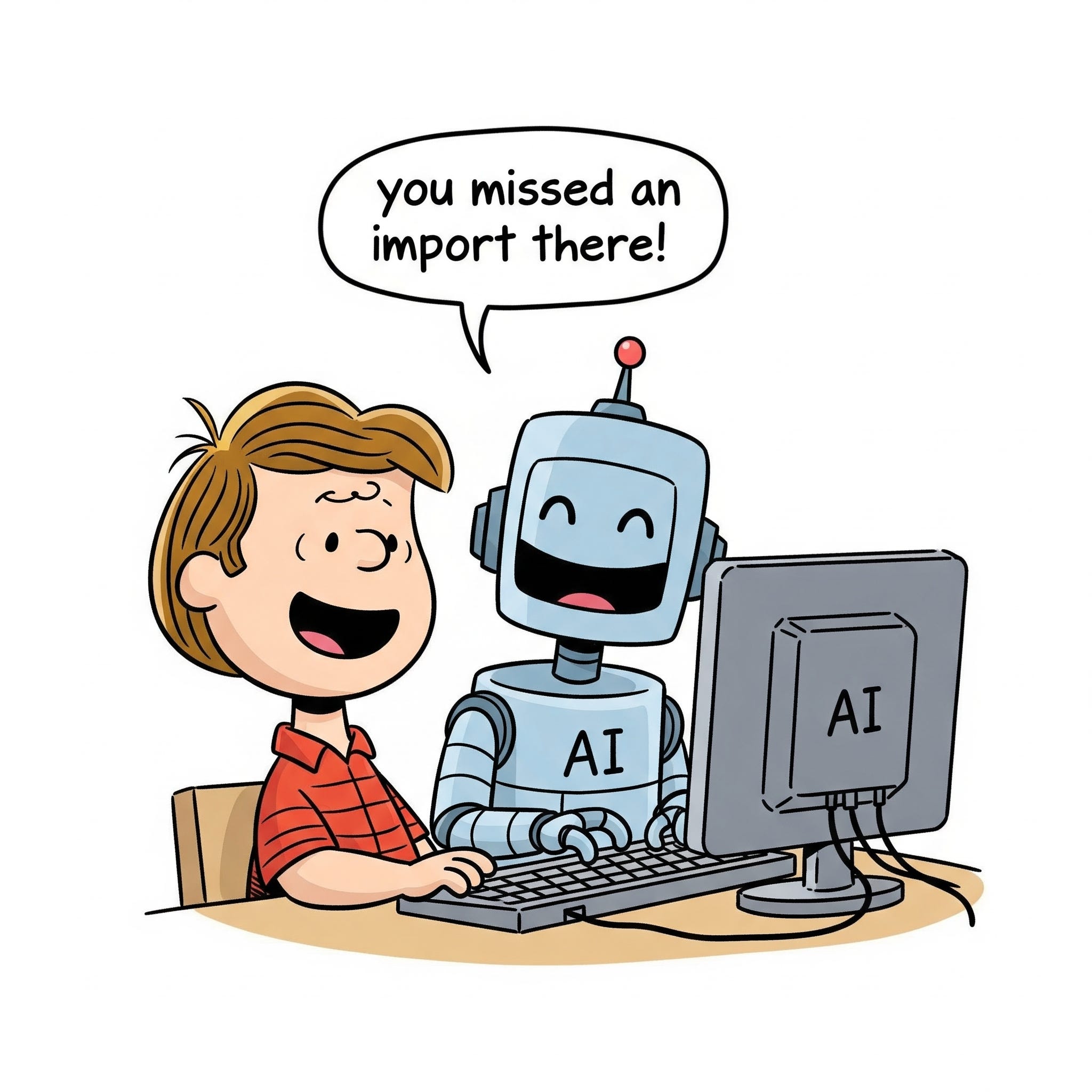
Risks and Responsibilities
For all their power, the unchecked use of these AI tools presents a significant risk, particularly for developers at the start of their careers. The very thing that makes them so helpful—their ability to provide instant answers and generate code on demand—can become a crutch that hinders the development of essential skills.
The temptation to simply accept the AI's output without fully understanding it is immense. When a developer offloads the cognitive work of problem-solving to an LLM, they miss out on the crucial process of struggling with a problem, exploring different solutions, and ultimately building a deep and lasting understanding.
The essence of a strong software engineer isn't just producing lines of code. It's about:
Problem Decomposition: Breaking down large, complex problems into smaller, manageable pieces.
Algorithmic Thinking: Designing efficient and scalable solutions.
System Design: Understanding how different components of a system interact and making informed architectural decisions.
Debugging: Methodically identifying and fixing issues in complex systems.
When an LLM provides the "what" (the code), the developer can easily skip the "why" (the underlying principles). This can lead to a shallow understanding of the codebase and an inability to reason about its behavior, especially when things go wrong.
A Practical Approach to Using AI Tools
The key to harnessing the power of AI coding tools without falling into the trap of dependency is to reframe your relationship with them. Think of them not as a magic black box that spits out answers, but as a powerful collaborator that can enhance your own abilities. Here's an approach I've found helpful:
Maintaining Control and Oversight
Always maintain control of the development process. Use the AI to generate ideas, boilerplate, or alternative approaches, but never blindly copy and paste. Use a diff tool to compare any proposed changes and reason about the subsections. Before accepting any suggestion, take the time to understand it completely. Ensure the AI assistant is writing modular code that you can follow before incorporating it. Ask yourself: Can I explain why this code works? Does it handle all the necessary edge cases? Could it be written more efficiently or readably?
Using AI for Deeper Inquiry
Instead of asking "write me a function that does X," try a more inquisitive approach. Ask questions that deepen your understanding:
"Can you explain the trade-offs between these two different implementations?"
"Why is this particular design pattern a good choice here?"
"What are the potential security vulnerabilities in this code?"
"Walk me through how this algorithm works step-by-step."
Prioritizing Foundational Skills
No matter how advanced AI becomes, a strong foundation in software design principles will always be essential. Concepts like SOLID (Single-responsibility, Open-closed, Liskov substitution, Interface segregation, and Dependency inversion), DRY (Don't Repeat Yourself), and understanding time and space complexity are what separate a coder from a true engineer. An AI assistant can be a powerful lens for seeing these principles in action. For instance, you can ask it to refactor a piece of code to improve its modularity or efficiency, and then carefully study the changes it proposes. A particularly useful exercise is to delete a few functions from AI-generated code and challenge the assistant to recreate them based on the surrounding context and proper design patterns. This approach forces both you and the AI to engage with the code's structure on a deeper, more critical level.
Tackling Complexity Head-On
When encountering a particularly challenging bug or a complex design problem, it can be tempting to immediately turn to an AI assistant for the solution. In my experience, however, the most profound learning comes from the struggle, as this is what builds true problem-solving intuition. I've found it's more valuable to grapple with the problem first, perhaps by whiteboarding potential solutions. Once you have a solid grasp of the problem, you can be the architect of the solution. A productive approach is to think of a few potential paths and then use the AI as a sparring partner to debate them, developing the final solution through a continuous interaction where the model handles the tedious implementation details.
Final Thoughts
The rise of AI in software development isn't the end of the software engineer, but an evolution of the role. In this new landscape, the core principles of good engineering—critical thinking, robust system design, and a deep understanding of fundamentals—don't become obsolete; they become more crucial than ever. An AI can generate code, but it lacks the domain knowledge, business context, and ethical judgment to build truly great software on its own.
Ultimately, the most effective engineers won't be the ones who can simply prompt an AI to write code. They will be the ones who can guide, question, and refine its output. This means leveraging these powerful tools to amplify their own intelligence and creativity, automating the mundane to focus on the complex. The future of coding is a partnership, and it requires learning new skills—like effective prompting and critical AI output evaluation—while doubling down on the timeless ones. It's about using these tools thoughtfully to build better software.